When choosing between providers for push notifications, mobile application marketers and developers often evaluate Firebase Cloud Messaging (FCM) and OneSignal, two of the most popular push notification providers on the market.
Both Firebase and OneSignal are free to start, but there are important differences between the platforms that should be addressed. Beyond just the critical feature and price differences, it’s important to consider that Google’s long-term commitment to Firebase as a notification platform is uncertain, while OneSignal has continuously invested in improving our platform and are dedicated to always being the best in its class.
We built OneSignal because Firebase fell flat when it came to features, user experience, reliability, support, and price. From the beginning, we’ve designed OneSignal to be the clear choice for developers and marketers seeking a free solution to get started or as an enterprise-level solution for their scaling businesses.
Read on to see how Firebase stacks up compared to OneSignal, and how both platforms are evolving to meet the needs of modern marketers and application developers.
What is Firebase Cloud Messaging?

Firebase Cloud Messaging represents two products offered by Google as part of their Firebase suite of developer tools.
The first product is an API called “Cloud Messaging,” which mobile applications use to send notifications to people who have downloaded their Android applications. This Android device cloud API used to be called "Google Cloud Messaging" before the Firebase acquisition. The FCM API is the only way to send notifications to devices downloaded from the Google Play Store.
This requirement exists to reduce battery consumption on Android devices. Rather than allowing all Android applications to create separate background connections for notifications, Google mandates that Android apps distributed through Google Play leverage a single, shared connection provided by FCM. Google then has an API to send messages to applications through this connection with the FCM API. Due to this requirement, OneSignal itself uses the FCM API internally to send messages to Android devices.
The FCM API can also be used to send notifications to iOS devices, where Firebase forwards messages to the Apple Push Notification Service (APNs). APNs is similar to and exists for the same reasons as the FCM API.
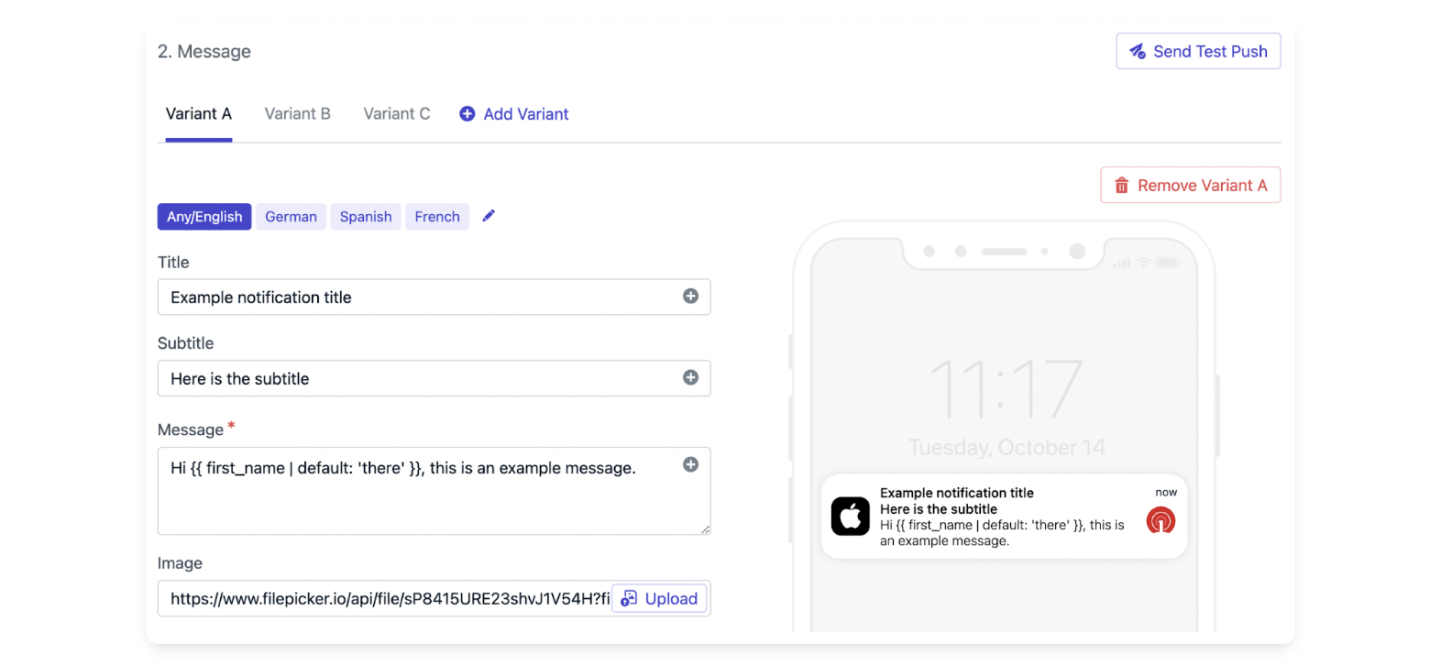
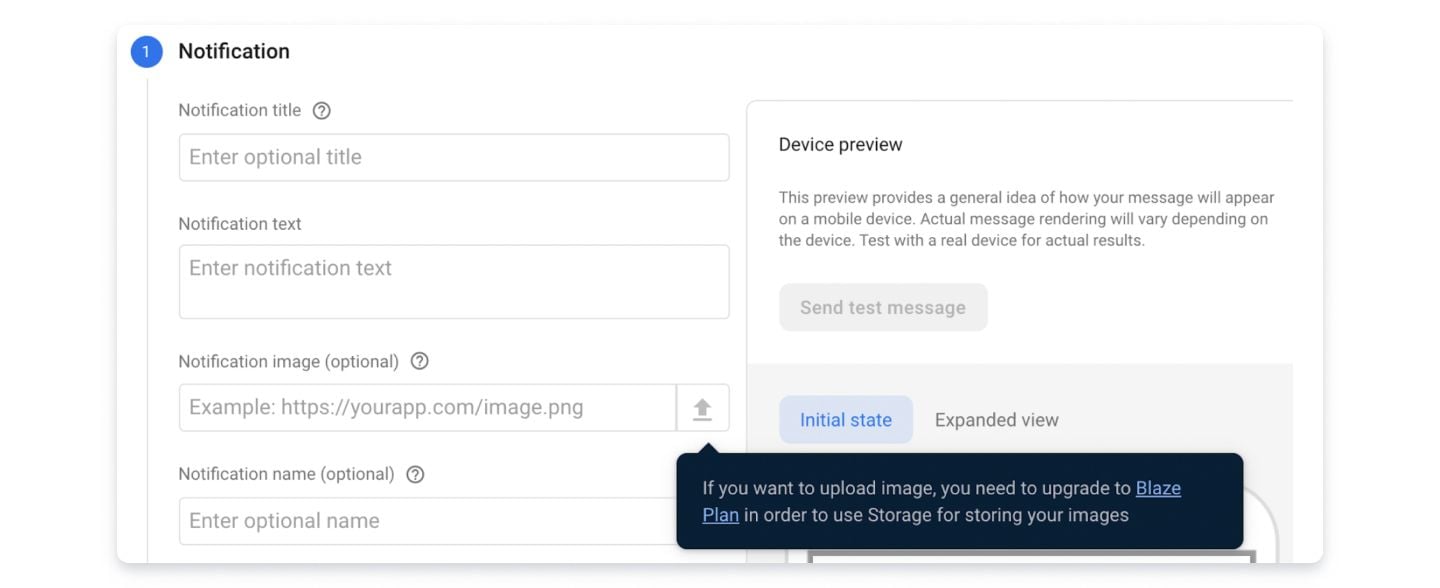
The second product is the Firebase Messaging Notification Composer. The Notification Composer can be used by developers and marketers to create mobile push notifications via an online dashboard, send those messages to a chosen audience, and view basic analytics on those messages.
Separately from Firebase Cloud Messaging, Firebase also offers a product to create “In-App Messages,” which are pop-up messages that can be created via the Firebase dashboard and then shown to users while they’re using the developer’s mobile application.
What is OneSignal?
OneSignal is an omnichannel customer engagement platform that enables marketers and developers to send messages to their users across multiple channels. The company was started in 2015, after our founders personally experienced the challenges of sending effective push notifications to players of their games and saw a need for a better solution.
Today, OneSignal is used by over 1.8 million marketers and developers worldwide. OneSignal makes it incredibly easy to implement push notifications, emails, SMS messaging, and In-App Messaging into their apps.
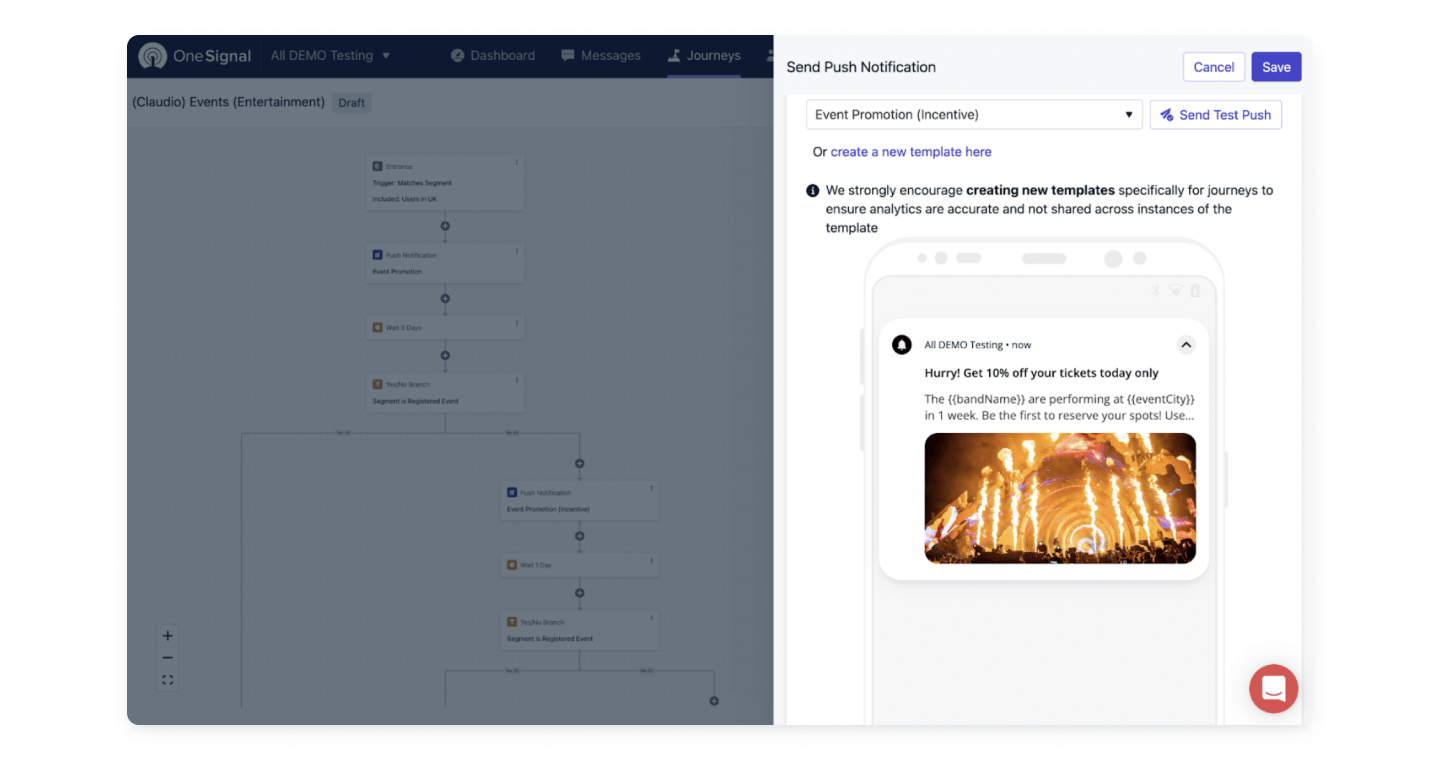
Even more importantly, OneSignal helps marketers send effective messages, by providing simple and powerful tools for customer journey automation, segmentation, personalization, and orchestration of messages across channels.
Since its founding, OneSignal has grown rapidly, thanks to the support of our loyal customers and the growing worldwide popularity of the platform. We continue to invest heavily in our best-in-class push notification product.
OneSignal and Firebase Comparison Chart
While both Firebase and OneSignal can be used to send mobile push notifications, the two platforms have many key differences. Here's an overview of some of them.